
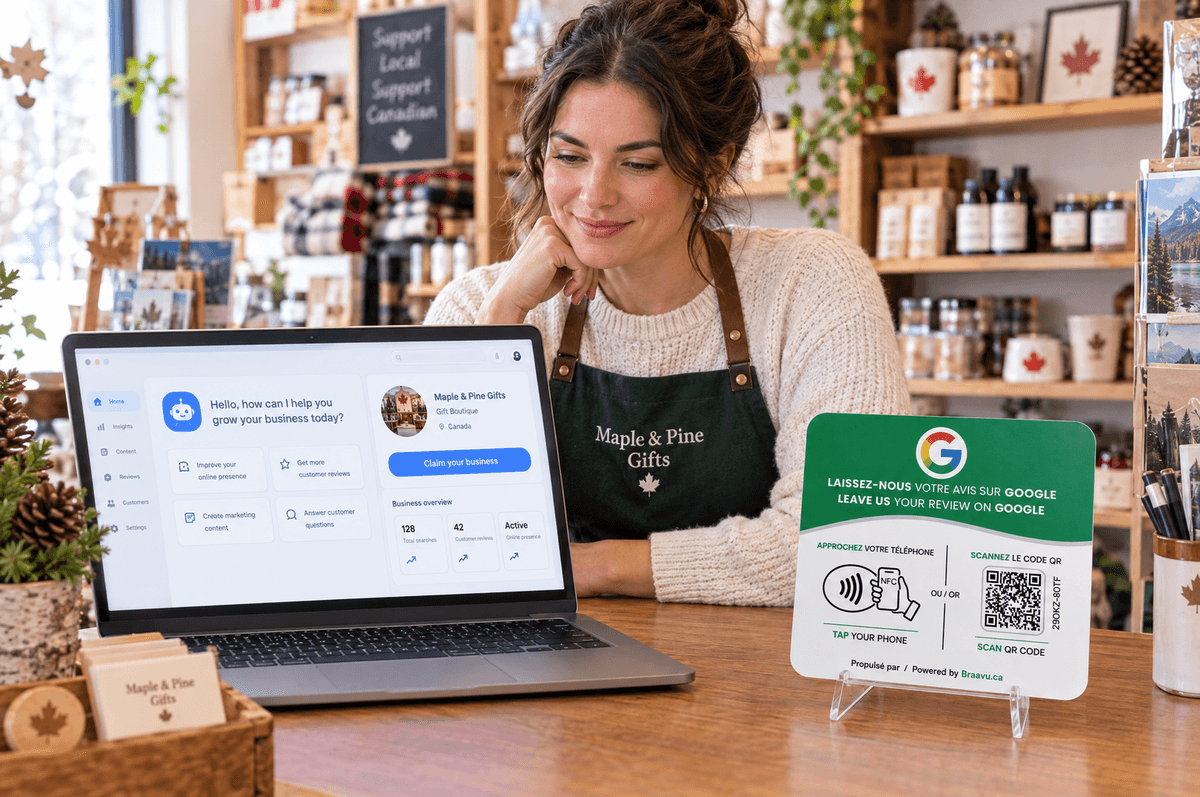
Businesses in ChatGPT is OpenAI's version of a Google Business Profile: a business can claim the listing ChatGPT shows about it, correct it, and see how often it gets mentioned. OpenAI launched it in beta on November 10, 2026. For a neighbourhood business in Canada, claiming isn't open yet. But the listing already exists.
As of November 12, 2026. The service is in beta and its rules change quickly: check chatgpt.com/business-hub before acting.
What Businesses in ChatGPT does
According to OpenAI's announcement and the first detailed write-ups (Flavio Copes, Silktide), the service lives in a dashboard called Business Hub. You can:
- claim your business's listing;
- edit the website, description, category, logo, cover photo, and delivery and return policies, with OpenAI reviewing each edit before it goes live;
- add a product catalogue (file upload or Shopify connection);
- see 28 days of stats: mentions in ChatGPT, clicks to your website, and the topics where your business comes up;
- publish a "Business Agent", an assistant that answers customers on the business's behalf. This is limited to US ecommerce and online-service businesses.
Verification is by phone, email, a DNS record on your domain, or a Shopify connection, followed by an identity check.
According to Flavio Copes's write-up, OpenAI states that claiming a listing guarantees neither higher placement nor more sales.
What about a business in Canada?
As of publication, the write-ups agree on one point: stores and restaurants can only claim an existing US listing. A café in Quebec City or a hardware store in Moncton can't claim its local listing yet.
For online businesses outside the US, sources conflict: one says claiming is open wherever ChatGPT is available, the other that it's limited to US-based brands.
Most importantly, not being able to claim doesn't mean not showing up. ChatGPT already answers Canadians' local questions, with listings built from other sources. A Clixera study found it named 44% of the independent businesses tested across nine provinces. Source: Clixera, 2026.
What to do today
- See what ChatGPT says about you. Ask it "[your trade] in [your city]" and "tell me about [your business]." Are the hours, address and description right?
- Fix it at the source. If something is wrong, it probably comes from your website, your Google Business Profile or a directory. Correct it there. Those are also the sources Gemini and Claude read.
- Keep your reviews coming. Reviews remain one of the signals most tied to recommendations, in ChatGPT and elsewhere. See how to get your business recommended by AI.
- Be ready for the Canadian rollout. Keep a logo, a cover photo, a short description, your website and access to your DNS or Shopify store at hand.
- Read the terms before you claim. Silktide notes that the service's terms grant OpenAI a licence to your website content. Have whoever handles your contracts read them.
Where Braavu fits
A claimed listing describes your business. It doesn't replace what your customers say about it. Google reviews are picked up by Google's tools and cross-checked by other AIs.
Braavu sells an NFC and QR counter plate. The customer taps a phone, or scans the code, and the page to write a Google review opens. That address is built from the Google listing you chose: no other link can be pasted in. From the dashboard, you change the listing for a location, and every active plate at that location follows, without a reprint. The plate does not open Instagram, Facebook, TikTok, WhatsApp, a menu or a link-in-bio.
Bottom line: ChatGPT now has business listings, but a Canadian local business can't claim one yet. Meanwhile, ChatGPT describes you from your website, your Google Business Profile and your reviews: that's where to act.